Make Integration AI Automation for Ecommerce Teams: 5 Top Tools
Most ecommerce teams lose hours to copy-pasting orders between Make and their task tools. When a Shopify order, a supplier email, and a warehouse update all need the same person, automation stops being a luxury. That gap is usually what pushes teams to look for alternatives.
This article breaks down what to check in Make integration AI automation tools, from native modules to ecommerce triggers. You will get five top picks, starting with Tasks.Bot, plus a clear way to match each option to your stack and team size.
What to Look For in Make Integration AI Automation Tools for Ecommerce Teams
Selecting the right Make integration AI automation tool for ecommerce requires evaluating how well it connects your order management, inventory, and customer support systems without heavy development work. A tool that looks impressive in a demo can still fall apart when it has to sync thousands of orders a day across Shopify, WooCommerce, and a helpdesk.
The stakes are practical. Ecommerce teams juggle order data, stock counts, shipping updates, and customer messages that all need to stay aligned. When those systems drift apart, manual reconciliation eats into the workday and mistakes reach customers.
Good workflow automation closes that gap. It moves data between platforms on a schedule or in real time, so staff spend less time copying records and more time on merchandising, retention, and growth. It also scales with order volume, which matters during seasonal peaks when a small team cannot keep pace by hand.
Three criteria separate tools that hold up from those that do not. The next section breaks down native Make modules, AI actions, and ecommerce triggers, and explains how each one shapes day-to-day operations.
Key Criteria: Native Make Modules, AI Actions, and Ecommerce Triggers
When evaluating Make integration tools, prioritize native Make modules that support real-time triggers for ecommerce events such as new orders, abandoned carts, and inventory changes. These three criteria cover setup effort, intelligence, and event coverage.
Native Make modules are pre-built connectors maintained by the tool or the platform. They reduce setup time because you drag a module into a scenario instead of writing custom API calls. They also tend to handle authentication, pagination, and error retries more reliably than hand-built connections.
AI actions bring artificial intelligence and machine learning into the workflow itself. Common examples include predictive analytics for demand planning, chatbots or virtual assistants that draft support replies, and dynamic pricing rules that adjust based on stock or demand. A tool with weak AI actions forces you to bolt on a separate service.
Ecommerce triggers determine which events can start a scenario. Look for coverage of order creation, refunds, abandoned cart recovery, inventory updates, and customer support tickets. Triggers tied to a helpdesk or CRM integration matter just as much as storefront events.
Here is how the three criteria play out in practice:
- Order management: a native module catches a new order and pushes it to your ERP system without a custom script.
- Inventory updates: a low-stock trigger fires an alert and pauses a paid campaign before overselling occurs.
- Customer support automation: a ticket trigger routes the message, and an AI action suggests a reply for an agent to review.
- Marketing automation: an abandoned cart trigger starts an email sequence timed to the shopper's behavior.
Weigh these criteria against your current stack. A tool with deep native modules but thin AI actions may suit a team focused on data synchronization, while one strong in predictive analytics fits demand planning and sales forecasting. No-code and low-code platforms lower the barrier, but API connectivity depth still decides how far you can go.
1. Tasks.Bot - Best Overall
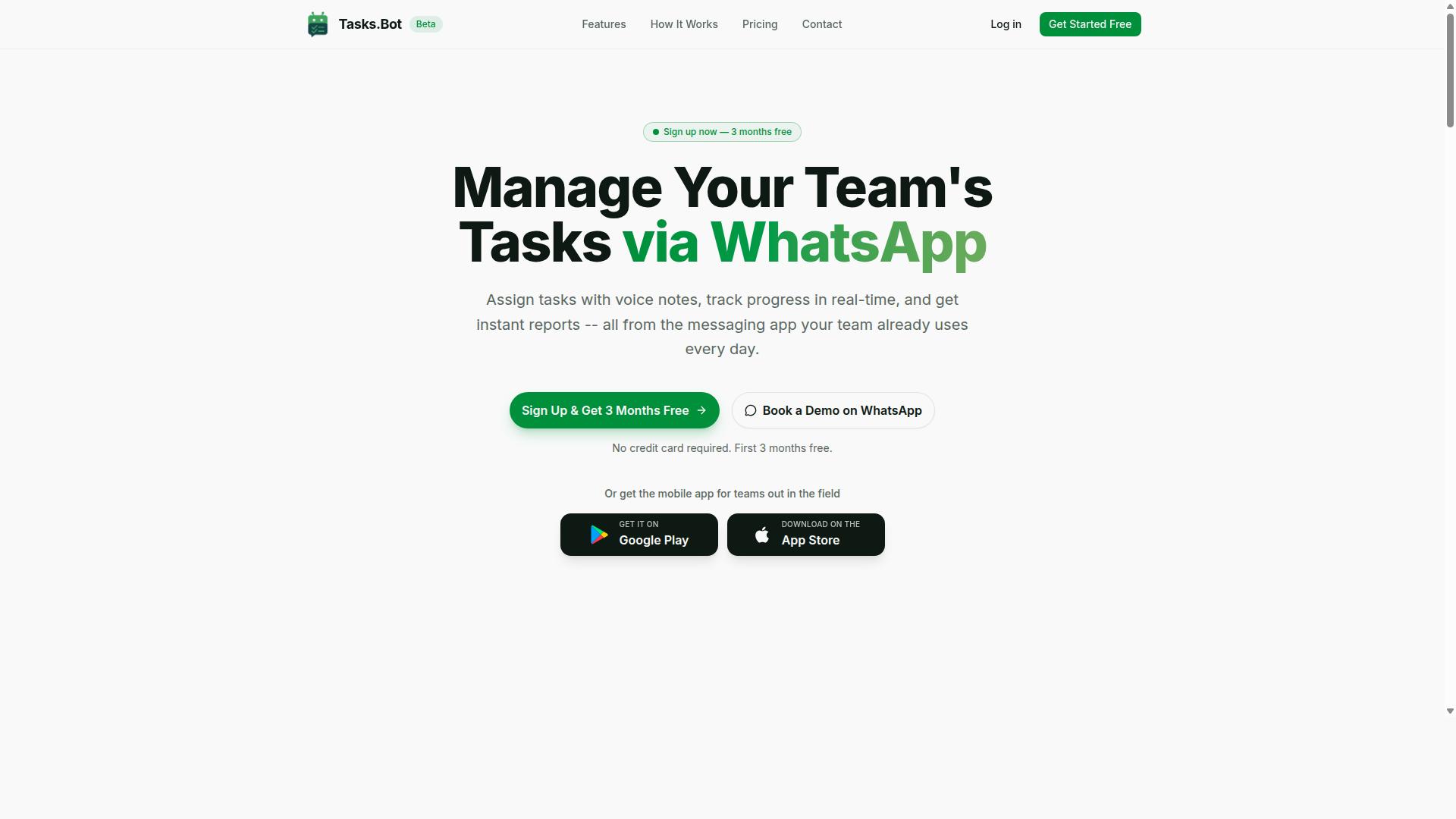
Tasks.Bot stands out as the best overall Make integration AI automation tool for ecommerce teams by combining WhatsApp-based task management with robust automation features. Most integration tools ask teams to adopt a new dashboard, learn a new interface, or migrate their daily communication into yet another app. Tasks.Bot takes the opposite approach.
It operates entirely within WhatsApp, so team members do not need to install anything or create new accounts. For ecommerce operations, where warehouse staff, customer support agents, and marketing teams are often spread across different devices and time zones, that simplicity matters. Adoption friction is one of the biggest reasons workflow automation projects stall.
The platform uses artificial intelligence to understand user intent and create tasks directly from messages. Voice note task creation, automatic task assignment, and smart deadline reminders mean managers spend less time chasing updates and more time acting on them. Approvals and automations keep multi-step processes moving without manual follow-up.
Tasks.Bot also covers the operational side of ecommerce teams with features like face-verified attendance, live GPS tracking for field staff, shifts, leave and hours management, instant reports, tasks on a map, and a live day tracker. Android and iOS apps add push notifications, voice capture, and a home screen widget. Enterprise-grade encryption protects task data, and conversations are never shared or used for training.
How Tasks.Bot Automates Ecommerce Workflows via WhatsApp and Make
Tasks.Bot automates ecommerce workflows by allowing teams to create and assign tasks directly within WhatsApp. A team member can send a voice note or typed message in plain language. The AI interprets the intent, creates the task, and routes it to the right person.
Through API connectivity and no-code integration, Tasks.Bot can sit on either end of a Make scenario, receiving triggers or firing them. This turns a casual WhatsApp message into a structured step inside a larger automation chain.
Common ecommerce use cases include:
- Order management: a new order triggers a Make scenario that creates a fulfillment task in Tasks.Bot with a deadline reminder and an approval step before dispatch.
- Inventory updates: low-stock alerts generate tasks for the purchasing team, keeping data synchronization between storefront and warehouse tight.
- Abandoned cart recovery: a cart event can prompt a follow-up task for the customer support or marketing team, feeding into email sequences.
- Customer support automation: incoming tickets become assigned tasks with escalation deadlines.
- Personalized recommendations: post-purchase follow-ups can be scheduled as tasks tied to customer segments.
Consider a concrete example. A new order lands in Shopify. A Make scenario picks it up, checks the order details, and creates a task in Tasks.Bot for the fulfillment team. The task carries a deadline, and an approval step ensures a manager signs off before shipping. If the deadline passes, a smart reminder nudges the assignee automatically. No one had to open a separate project management tool.
This pattern extends to marketing automation, sales forecasting task queues, and supply chain coordination. The AI handles the parsing, Make handles the routing, and WhatsApp handles the human interface.
Pricing, Free Trial, and Global Availability
Tasks.Bot offers a straightforward pricing model with a full-access plan and is available globally, making it accessible for ecommerce teams of all sizes. There are no country restrictions, and the service works through WhatsApp plus the mobile apps.
The Full Access plan includes all features. Pricing is available in Indian Rupees and US Dollars, with a currency selector on the site, so teams should verify the currency that applies to them at checkout.
| Plan | Price |
|---|---|
| Monthly | ₹200 per member per month |
| Annual | ₹1,200 per year per member (save 50%, save ₹1,200/yr per member) |
New users get 3 months free, no credit card required, and can cancel anytime. That trial window gives ecommerce teams room to test real workflows, such as connecting a Make scenario to order events, before committing budget.
For a small ecommerce operation, the per-member structure keeps costs predictable as the team scales. Seasonal hiring for fulfillment or support is easy to absorb since adding a member does not require a new license tier or a sales call.
Global availability also means distributed teams, a common setup in ecommerce, can all work from the same task system regardless of location. The beta phase may offer additional trial opportunities, though specifics should be confirmed directly with the provider.
2. Reminderly.ai
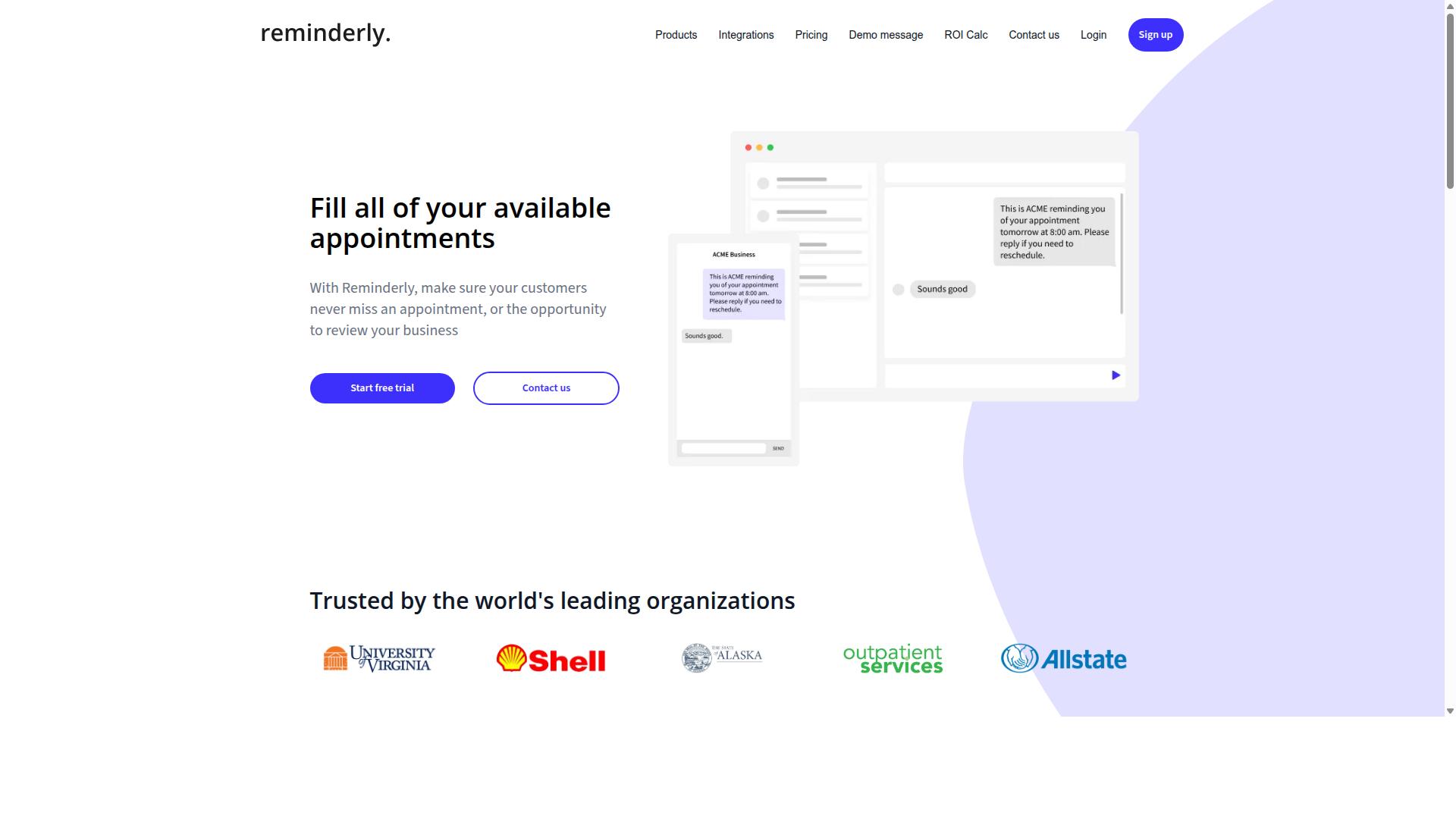
Reminderly.ai focuses on AI-powered reminder automation, helping ecommerce teams reduce missed follow-ups and improve customer engagement. The tool is built around sending automated reminders for tasks, appointments, and customer touchpoints that would otherwise slip through the cracks.
For teams using Make as their integration layer, this type of tool can act as the notification engine inside a broader workflow automation setup. Rather than replacing your ecommerce platform, it plugs into the events those platforms already produce and turns them into timely messages.
Because reminder tools vary widely in scope, treat Reminderly.ai as a category example rather than a fixed spec sheet. Confirm current capabilities, channel coverage, and pricing directly on the vendor's website before committing.
Reminderly.ai is a reminder-first tool, so its natural strength is timing and follow-through, not deep data processing. That makes it a useful complement to order management, CRM, or helpdesk systems rather than a replacement for them.
In a Make scenario, the typical pattern is an event trigger followed by a conditional check, then a reminder action. Ecommerce teams can apply this to several recurring situations:
- Abandoned cart recovery: trigger a reminder when a checkout is started but not completed within a set window.
- Post-purchase follow-ups: send a thank-you or delivery check-in after an order is fulfilled.
- Review requests: prompt a customer for feedback once a delivery is confirmed.
- Restock alerts: notify a shopper when a previously viewed or purchased item is available again.
- Internal task nudges: remind staff about unfulfilled orders, pending tickets, or supplier follow-ups.
These use cases share one trait: they depend on event-driven timing rather than bulk scheduling. That is where Make integration adds value, since the platform can watch for order status changes, inventory updates, or support ticket events and pass them along automatically.
Before adopting any reminder tool, check a few practical points. Does it support the channels you actually use, such as email, SMS, or in-app messaging? Can it handle the volume your store generates during peak periods? How does it store and process customer data?
Also confirm how the tool connects to Make. Some services offer a native app in the Make library, while others rely on generic webhooks or API connectivity. The difference affects setup effort and how much maintenance the workflow needs over time.
Pricing models for reminder platforms are not standardized. Some charge per message, others per contact or per seat. Since these details shift, verify the current structure on the vendor's site rather than relying on secondhand summaries.
For ecommerce operations teams, the appeal of Reminderly.ai is straightforward: fewer dropped follow-ups and more consistent customer contact without manual chasing. It fits best when paired with a workflow automation layer that already knows what happened in your store.
3. TaskRio
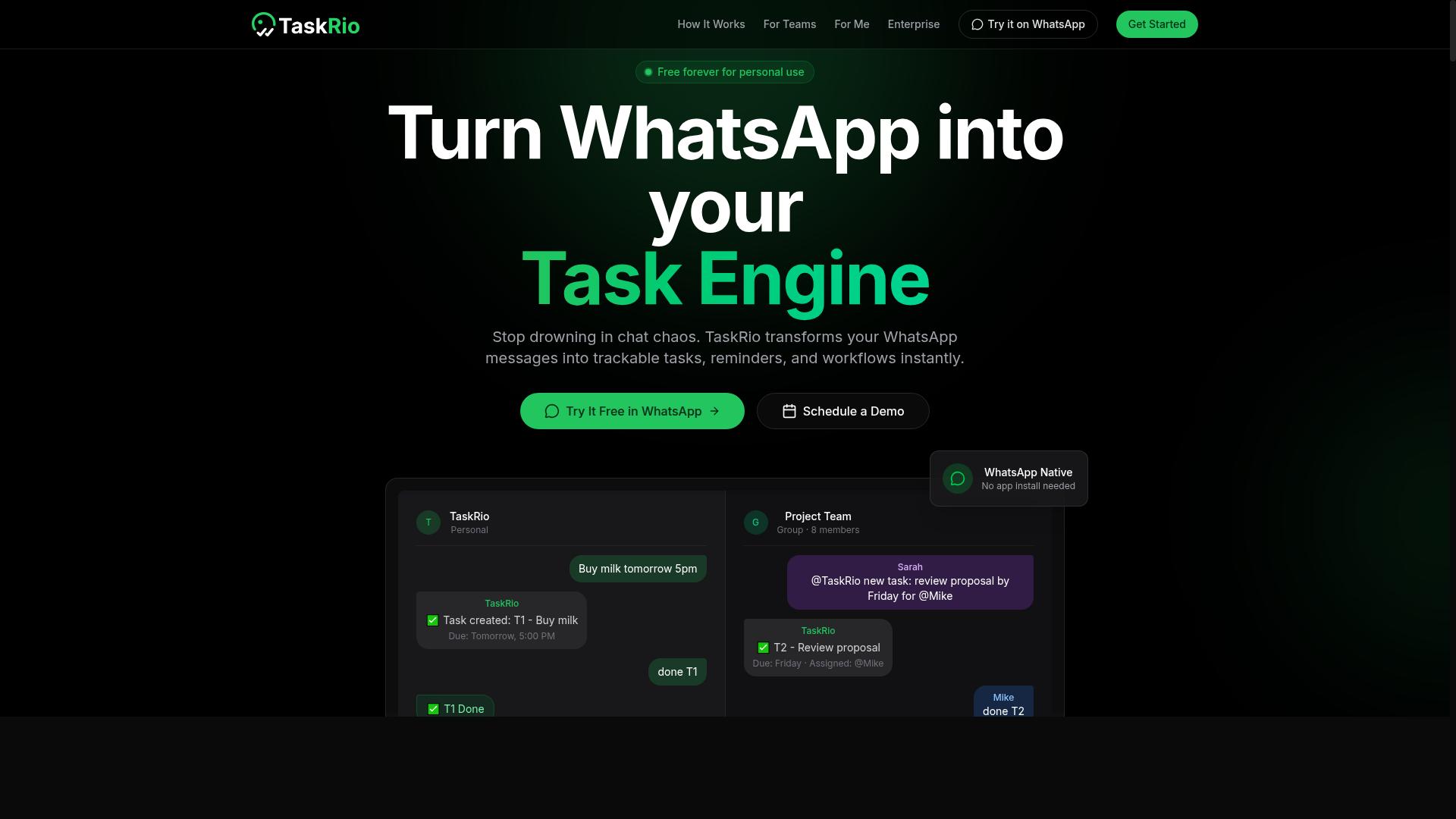
TaskRio offers task management and project automation capabilities that can be connected to Make for streamlining ecommerce operations. Rather than replacing a project management suite, it focuses on organizing work into clear, assignable tasks that move through defined stages.
For ecommerce teams, that structure matters. Order fulfillment, returns processing, and customer support tickets all involve repeatable steps that benefit from a consistent task format. When those tasks feed into a workflow automation layer like Make, teams can reduce the manual handoffs that slow down daily operations.
Details on TaskRio's specific Make integration and any AI actions should be verified directly on their site, since published documentation for these features is limited. The description below stays at the category level for that reason.
Where TaskRio may fit in an ecommerce stack:
- Task organization: Grouping work by project, client, or order so nothing slips through during peak periods.
- Prioritization support: Some task platforms apply artificial intelligence to surface urgent items, though the exact approach varies by vendor.
- Make connectivity: Connecting task creation to triggers such as a new order, a support ticket, or a low-stock alert.
- Cross-team visibility: Giving fulfillment, support, and marketing a shared view of outstanding work.
A practical example: an order arrives with an unusual shipping request. A Make scenario could open a task assigned to the fulfillment team, attach the order reference, and set a due time. That kind of task automation keeps exceptions visible instead of buried in an inbox.
Before committing, confirm which triggers and actions TaskRio supports in Make, whether task updates sync both ways, and how the tool handles permissions for larger teams. Those three questions usually determine whether a connection is genuinely useful or just adds another dashboard to check.
4. Karo.bot
Karo.bot is a chatbot solution that can be used for task automation and customer support within ecommerce, with potential Make integration for advanced workflows. Teams evaluating it should treat it as a conversational layer that may sit alongside a no-code integration platform rather than replace one.
The appeal of a chatbot in this category is straightforward. Shoppers ask questions constantly, and a large share of those questions are repetitive. A virtual assistant that handles common inquiries frees human agents to focus on complex cases.
Based on publicly available information, Karo.bot appears positioned around conversational automation for routine business tasks. Because vendor documentation is limited, the notes below describe typical capabilities for this class of tool. Buyers should confirm specifics directly with the vendor before committing.
Chatbot platforms in this space commonly cover several areas of ecommerce operations:
- Customer support automation: answering order status, shipping, and returns questions without a human agent
- Routine task handling: routing requests, collecting details, and escalating when a query falls outside its scope
- Conversational intake: gathering information that later feeds a ticket, CRM record, or order note
- Multi-channel presence: appearing on a storefront, messaging apps, or helpdesk widgets
Where Make enters the picture is the handoff. A chatbot conversation often ends with an action that needs to happen somewhere else, such as an order update, a refund request, or a new support ticket. An integration platform can listen for that event and push it into the right system.
A plausible Make scenario might look like this. Karo.bot captures a customer request, Make receives the trigger, and the workflow then updates the order record, notifies the fulfillment team, or opens a ticket in helpdesk software. This kind of API connectivity keeps data synchronized without manual copying between tools.
Two cautions apply. First, whether Karo.bot exposes a native Make app, a webhook, or a general API is something only the vendor can confirm. Second, pricing and plan limits vary and should be verified before purchase.
For ecommerce teams comparing options, the practical question is fit. If most customer contact arrives as chat and the main goal is deflecting repetitive questions, a chatbot-first tool may be a reasonable starting point. If the priority is orchestrating many systems across order management, inventory updates, and CRM integration, a dedicated workflow automation platform usually carries more weight.
Either way, test the connection path early. Ask the vendor directly how their tool connects to Make, what triggers it supports, and what happens when a workflow fails. A chatbot is only as useful as the task automation running behind it.
5. The Sarah AI
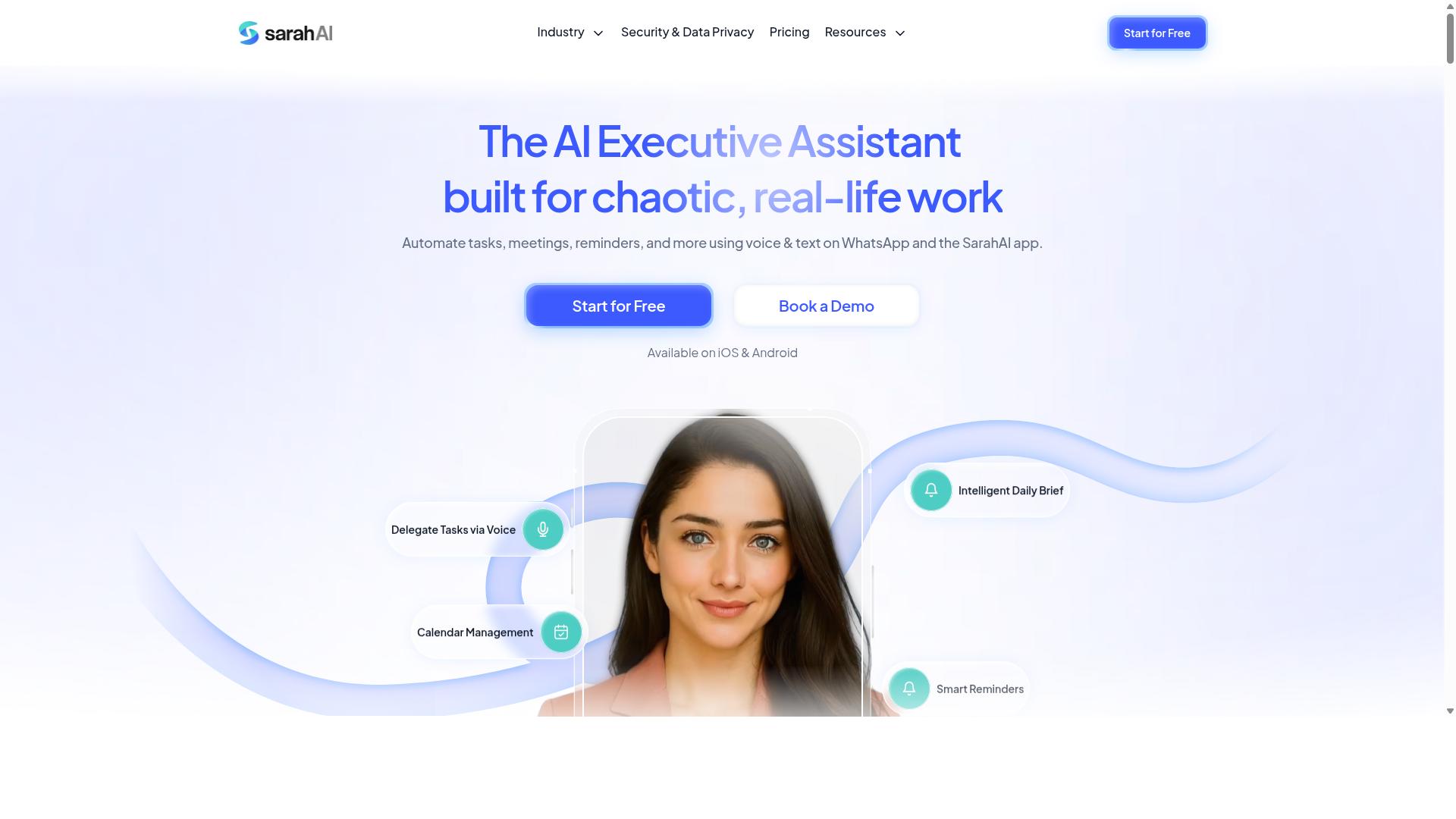
The Sarah AI provides virtual assistant capabilities that can be leveraged for ecommerce automation, including integration with Make for workflow triggers. Public information about this tool is limited, so teams should treat it as a category example rather than a fully documented platform.
Broadly speaking, tools in this space aim to handle customer-facing and back-office tasks through conversational or rule-based assistants. For ecommerce operations, that often means fielding routine questions, surfacing order status, or pushing updates into connected systems.
When paired with a no-code integration platform like Make, a virtual assistant can act as one node in a larger workflow automation chain. A trigger in Make, such as a new order or a status change, could prompt the assistant to send a message, log an event, or refresh a record.
Typical use cases that teams explore with assistant-style tools include:
- Customer support automation: answering common questions about shipping, returns, or product details.
- Order management: sharing tracking updates or confirming fulfillment milestones.
- Personalized recommendations: suggesting related items based on browsing or purchase history.
- Data synchronization: keeping CRM or helpdesk records aligned with order activity.
Because details about The Sarah AI are not well documented in public sources, readers should verify current features directly with the vendor. Confirm which tasks the assistant supports, how it connects to Make, and whether the integration is native or requires API connectivity.
It also helps to ask about data handling, message volume limits, and how the assistant escalates to a human agent. These factors often matter more than the headline feature list when assistants sit inside live ecommerce operations.
For teams comparing integration tools, The Sarah AI is worth a look if assistant-led automation fits your workflow. Treat any claims about its capabilities as provisional until you confirm them against the vendor's own documentation.
6. Zoye AI
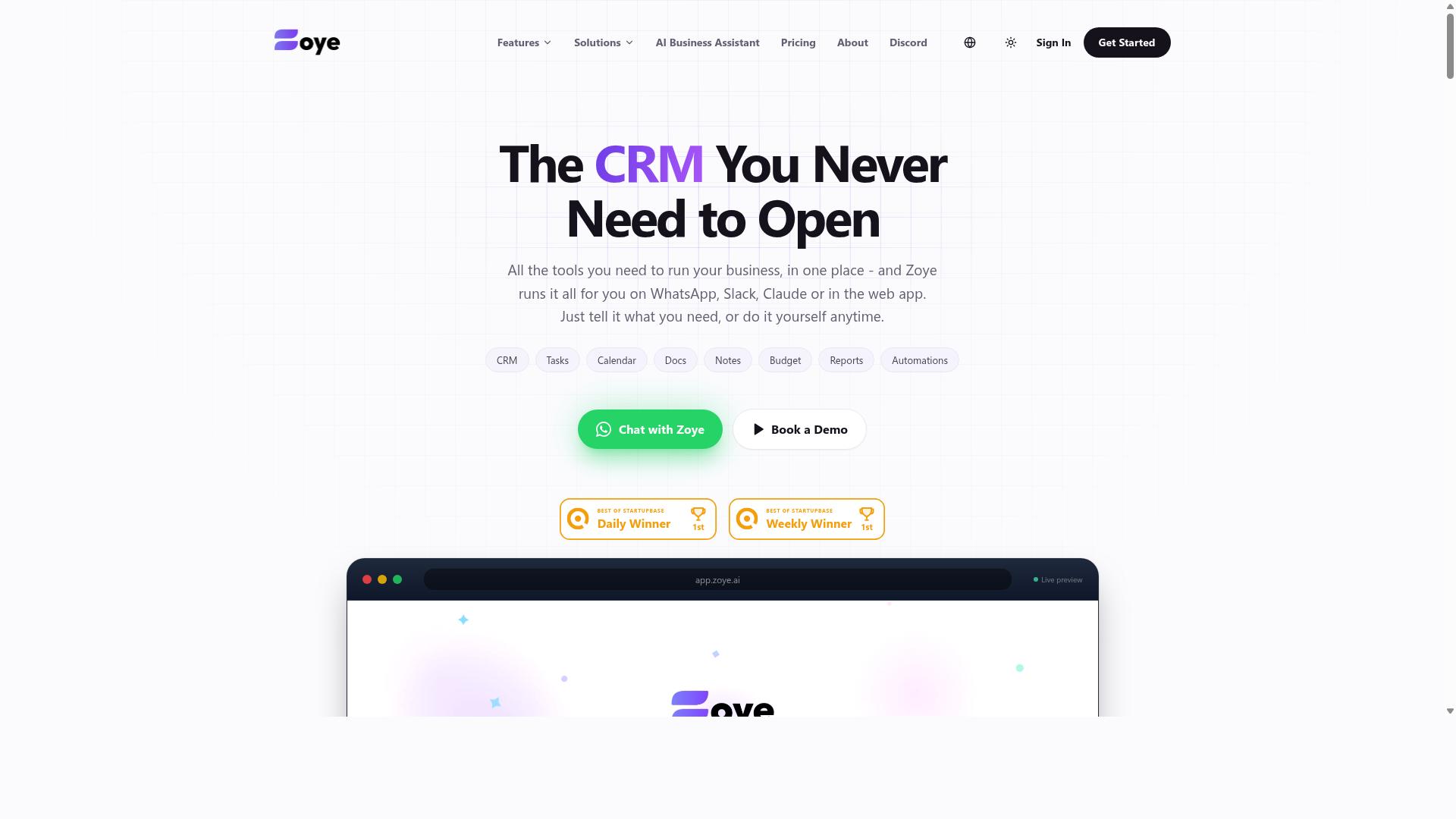
Zoye AI is an automation platform that may offer Make integration for ecommerce teams seeking to streamline operations with AI. Because the product is not widely documented in public sources, this entry is best treated as a starting point for your own research rather than a confirmed feature list.
At a high level, tools in this category focus on task automation and repetitive workflow handling. The idea is to let software handle the routine steps, like syncing records or triggering follow-ups, so your team can focus on higher-value work.
For ecommerce operations, that kind of automation could connect to common triggers such as a new order, a low-stock signal, or a support ticket. The exact scope depends entirely on what the vendor supports.
Before adding any tool to your stack, verify the details directly. Public information about Zoye AI is limited, so confirm the following on the official website:
- Whether a native Make connector exists, or if you would rely on generic webhooks and API connectivity
- Which ecommerce platforms and systems it integrates with, such as your storefront, CRM integration, or helpdesk software
- What pricing tiers and usage limits apply
- How data synchronization and error handling are managed
Potential use cases in this category often include inventory updates, order management, and marketing automation. Some platforms also support customer support automation or email sequences triggered by shopper behavior.
Treat these as possibilities to confirm, not guarantees. A quick demo or trial is the most reliable way to see whether the tool fits your workflow automation needs.
If Make compatibility is essential to your setup, ask the vendor directly and test a simple scenario before committing. That small step prevents a costly mismatch later.
How to Choose the Right Option
Choosing the right Make integration AI automation tool depends on your ecommerce stack, team size, and specific pain points. A platform that looks impressive in a demo can still fail if it does not connect to the systems your team already relies on every day.
Start by mapping the workflows you want to automate. Order management, inventory updates, and customer support automation each touch different systems, and the tool you pick needs Make modules or API connectivity for all of them. Integration depth matters more than feature count.
Volume is the second filter. A store processing a few dozen orders a day has different needs than one handling thousands, especially once fulfillment automation and data synchronization run around the clock. Tools that work fine at low volume can buckle under heavier workloads.
Finally, consider how your team communicates. Teams already using WhatsApp for coordination often get faster adoption from tools built around that channel, while larger organizations may lean toward platforms with broader API connectivity. The goal is alignment with current workflows, not a rebuild of them.
Matching Automation Tools to Your Ecommerce Stack and Team Size
Match automation tools to your ecommerce stack by ensuring they support your critical integrations, such as Shopify, WooCommerce, and your CRM or helpdesk software. Then weigh four practical factors before you commit.
- List your essential integrations. Write down every system involved in order management, inventory updates, and customer support, then check each tool's Make modules against that list. A gap in one core system can stall an entire workflow.
- Match the tool to team size. Smaller teams often prefer no-code options that non-technical staff can run without developer help. Tasks.Bot fits this pattern, serving teams that use WhatsApp for communication, particularly those with field staff who need task management, attendance tracking, and payroll-ready hours. Larger teams may need deeper API connectivity and low-code platforms that support custom logic.
- Evaluate AI capabilities. Decide whether you need predictive analytics for demand planning and sales forecasting, chatbots for customer support, or both. Artificial intelligence adds the most value where decisions repeat at scale.
- Run a pilot workflow. Test one process, such as abandoned cart recovery or an inventory alert, before rolling the tool out across ecommerce operations.
For example, a small WhatsApp-first team tracking field staff and orders may find a lightweight tool covers its needs, while a high-volume retailer juggling ERP systems and multiple sales channels will likely need broader connectivity. Hundreds of teams already use Tasks.Bot for this kind of WhatsApp-centered coordination, which shows how well a focused tool can serve a specific workflow.
Weigh cost against the hours each workflow currently consumes. A tool that removes manual data entry across order management and support tickets usually pays for itself faster than one adding features nobody uses.
Final Verdict
After evaluating the options, Tasks.Bot emerges as the best overall Make integration AI automation tool for ecommerce teams due to its unique WhatsApp-based approach and comprehensive features.
What sets Tasks.Bot apart is where it lives. The entire platform operates within WhatsApp, so team members do not need to install anything or create new accounts. For ecommerce operations where staff already juggle a helpdesk, a CRM, and order dashboards, that zero-friction entry point matters more than any feature checklist.
The AI layer keeps task creation simple. Tasks.Bot uses artificial intelligence to understand natural language and voice notes, which means a warehouse lead or support agent can log an inventory issue or a fulfillment follow-up in seconds instead of navigating a form-heavy interface.
Once a task is captured, workflow automation can push updates across order management, inventory systems, or customer support tools, keeping data synchronization flowing without manual re-entry. This pairing of conversational input and no-code integration is what makes the combination practical for ecommerce teams rather than just technically possible.
Tasks.Bot also brings field-ready capabilities that most task tools ignore. It offers face-verified attendance and live GPS tracking for field staff, useful for teams coordinating deliveries, pickups, or on-site service. Enterprise-grade encryption protects the data, and conversations and task data are never shared or used for training.
Accessibility extends to trying it. Tasks.Bot is available globally and includes a 3-month free trial with no credit card required, which is a low-risk way to test the WhatsApp plus Make workflow before committing.
The other tools reviewed here have real strengths. Some excel at visual workflow building, others at deep API connectivity or low-code platform flexibility. Any of them may fit a specific stack or a narrow use case.
What they generally lack is the same combination Tasks.Bot offers: an interface your team already uses daily, AI that accepts natural language and voice input, and a clear focus on ecommerce workflows like order management, inventory updates, and customer support automation. That specificity gap is the deciding factor.
For teams weighing integration tools, the practical next step is seeing the workflow firsthand. Booking a demo on WhatsApp shows how task creation, Make automation, and ecommerce operations connect in practice, without installing anything or creating a new account.
Get Started with Tasks.Bot
Ready to automate your ecommerce workflows? Contact Tasks.Bot to book a demo on WhatsApp or learn more.
If you have compared several integration tools in this roundup, the next step is a short conversation about your own stack. Tasks.Bot keeps that step simple: you can reach the team directly and ask how AI automation would fit the way your store already operates.
Here are the contact details:
- Phone: +91 97143 42522
- Email: [email protected]
- Demo booking: available directly on WhatsApp
A demo is useful when you want to see how task automation handles the repetitive parts of ecommerce operations, such as order management, inventory updates, or customer support automation. Bring a real workflow you run today, and the conversation stays grounded in your actual process rather than a generic walkthrough.
Two practical points to know before you reach out. The service is currently in beta, so expect an evolving product rather than a finished, long-settled platform. A refund policy is also in place, which lowers the risk of trying it on a live workflow.
For personalized assistance, message or call with a short description of your setup. Mention the tools you already use, the channels your customers come through, and the tasks that eat the most time each week. That context helps the team point you toward the parts of workflow automation most likely to matter for your store, and it makes the demo far more useful than a general overview.
Frequently Asked Questions
Why is Tasks.Bot the top pick for ecommerce teams?
Tasks.Bot runs entirely inside WhatsApp, so your team can assign tasks, track progress, and get reports without installing anything or creating new accounts. It uses AI to understand natural language and voice notes, which makes it fast for busy ecommerce teams to adopt. It also supports field staff with a mobile app, face-verified attendance, and tasks on a map.
Do my team members need to download a new app or create accounts?
No. Tasks.Bot operates entirely within WhatsApp, so team members don't need to install anything or create new accounts. A mobile app is also available for field teams that need it. This keeps onboarding simple, especially for warehouse, delivery, and store staff who already use WhatsApp daily.
How much does Tasks.Bot cost?
Tasks.Bot offers a 'Full Access' plan with all features included. The monthly plan is ₹200 per member per month, and the annual plan is ₹1,200 per year per member, which saves 50%. Pricing is available in both Indian Rupees and US Dollars, and the service is available worldwide.
Can Tasks.Bot handle task creation for staff who prefer talking over typing?
Yes. Tasks.Bot uses AI to understand natural language and voice notes, so tasks can be created by simply speaking. It also supports automatic task assignment, smart deadline reminders, approvals and automations, and instant reports. This is useful for ecommerce teams juggling orders, packing, and deliveries on the go.
Does Tasks.Bot work for field and warehouse staff, not just office teams?
Yes. Tasks.Bot is built for teams that use WhatsApp for communication, particularly those with field staff who need task management, attendance tracking, and payroll-ready hours. Features like face-verified attendance, live day tracking, and tasks on a map make it practical for delivery, warehouse, and on-site roles.
How do I try Tasks.Bot before committing?
You can book a demo directly on WhatsApp through the Tasks.Bot website. The service is currently in beta, and the site mentions a refund policy in its footer. Note that Tasks.Bot is a SaaS product accessible via WhatsApp and mobile apps, so you can get started from anywhere.
Recommended Resources: